AI Assistant

Manage all of your training operations from a chat interface

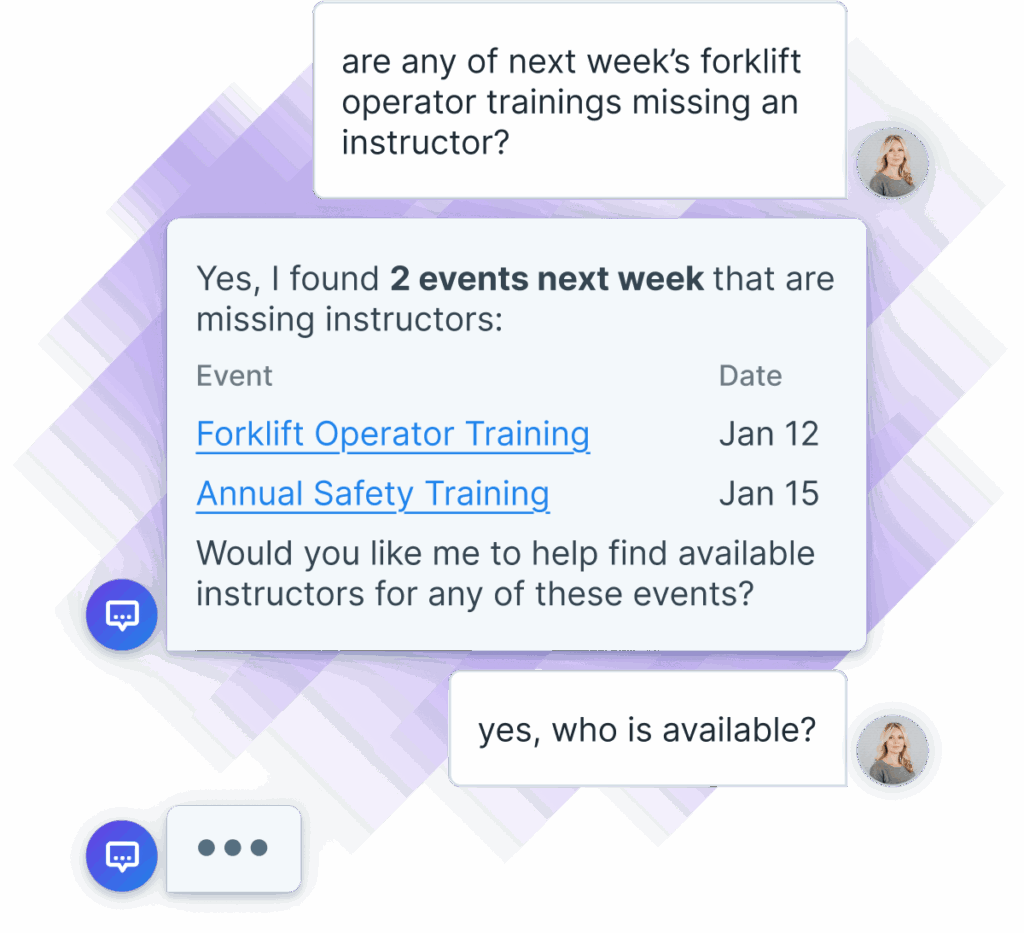
Chat interface in Administrate between the user and AI Assistant. The chat shows the user asking if any of the next week's trainings are missing an instructor, and the AI Assistant gives a table that displays two events with issues, asking whether the user wants them resolved.

Administrate’s AI Assistant is a chat interface that lets you control thousands of features, pull reports, and manage instructor-led training by just asking.

Control complex training operations, with a simple chat interface

Schedule events

Schedule hundreds of courses, with complex requirements, just by asking.

Analyze data

Ask specific or general questions and get instant, accurate answers.

Build a course

Build a new course by just typing what you need, all in a simple chat interface.

Chat Interface

Just ask, Administrate will answer

A familiar chat interface that accesses every feature of Administrate makes completing complex tasks much faster.
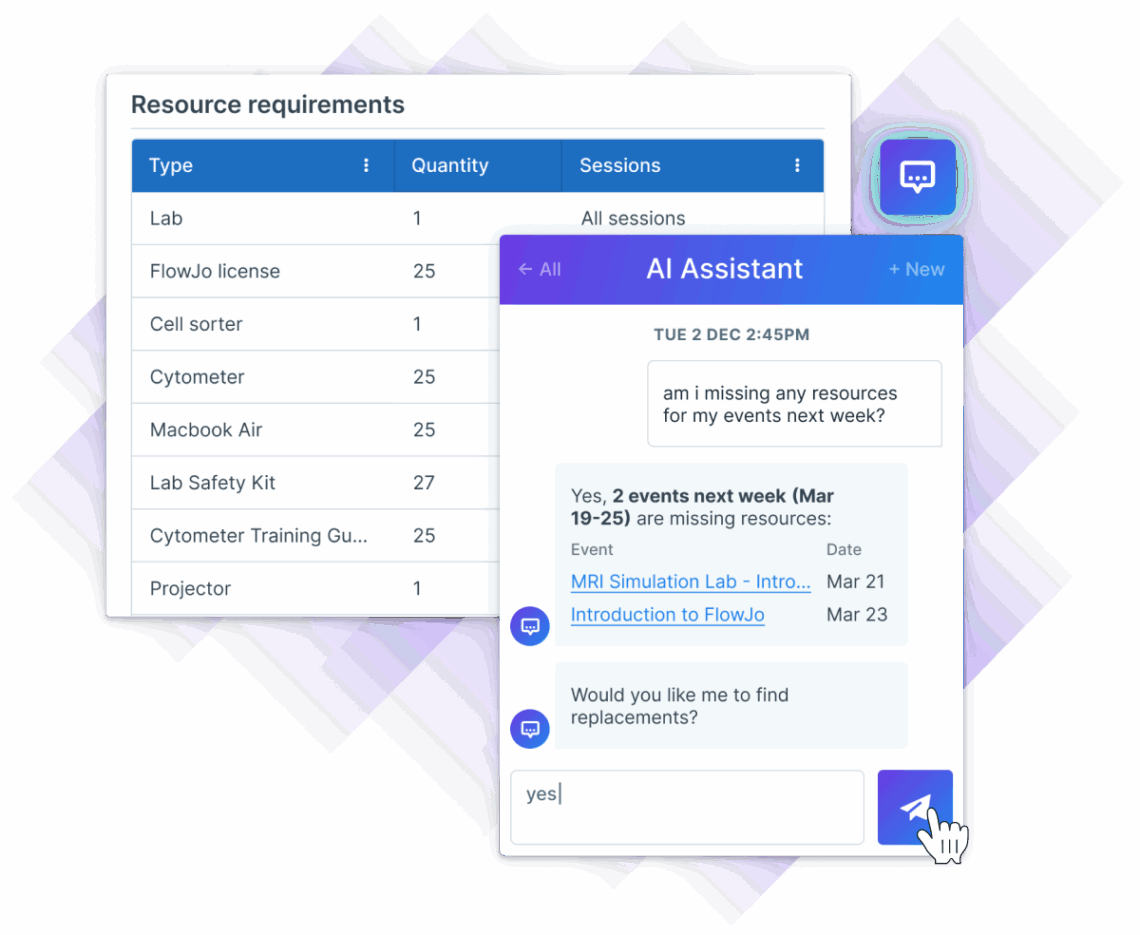
Administrate's virtual AI Assistant showing resource requirements and chat functionality. In the chat the AI Assistant offers to find resource replacements for two upcoming events.
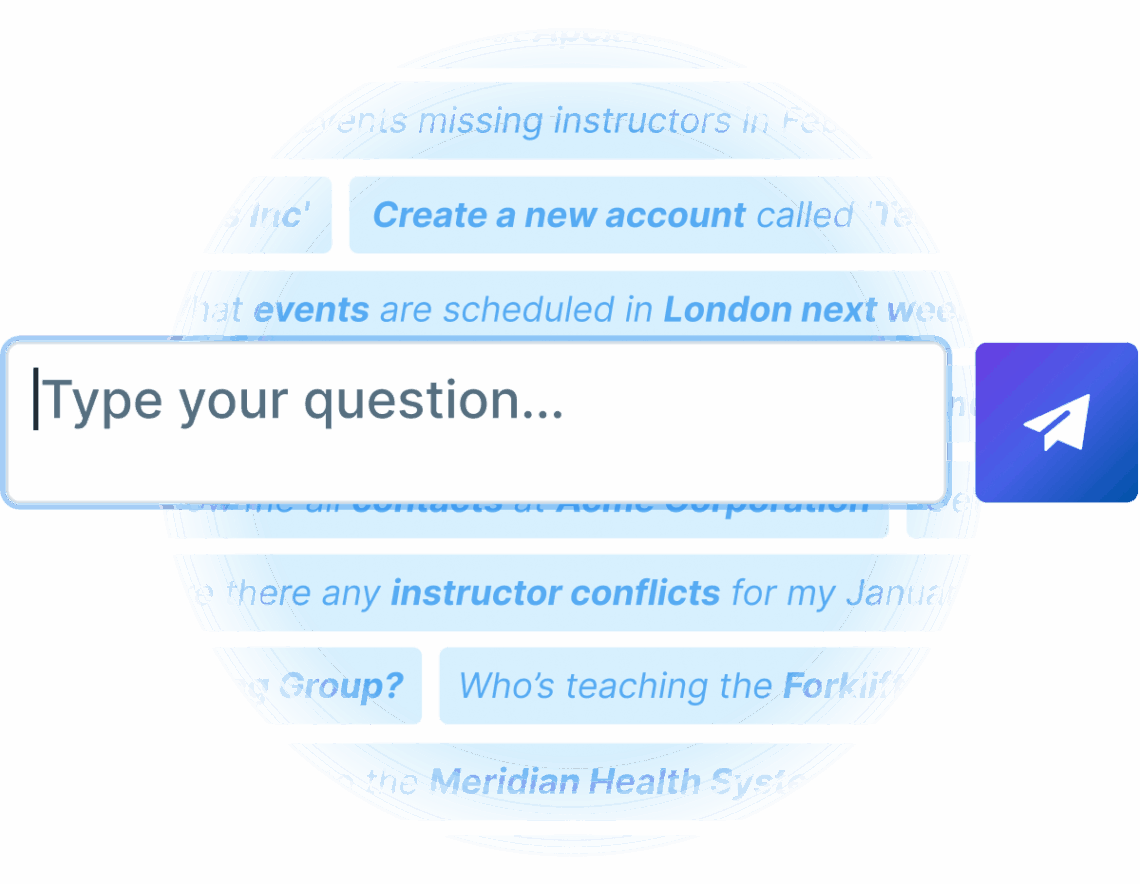
Text input box for users to type questions, with overlays of various inquiries related to scheduling events and instructor conflicts.

Access Everything

If you can click it or read it, Administrate’s AI Assistant can too

Assistant is a familiar chat interface, just like ChatGPT or Gemini, that lets you ask questions, dictate tasks, and get help all by just typing. Assistant uses natural language recognition to converse just like any popular AI tools you’re already using, but focused on getting real training management work done quickly.

No Hallucinations

Administrate won’t lie to make you happy

AI tools are getting a bad reputation for hallucinating, or as we like to say: flat out lying to you. Administrate can’t do that, because our AI tools like Assistant can only see data within Administrate and other tools you connect to Administrate. If our AI can not find the data, it will tell you that it can’t and help you fix the problem.
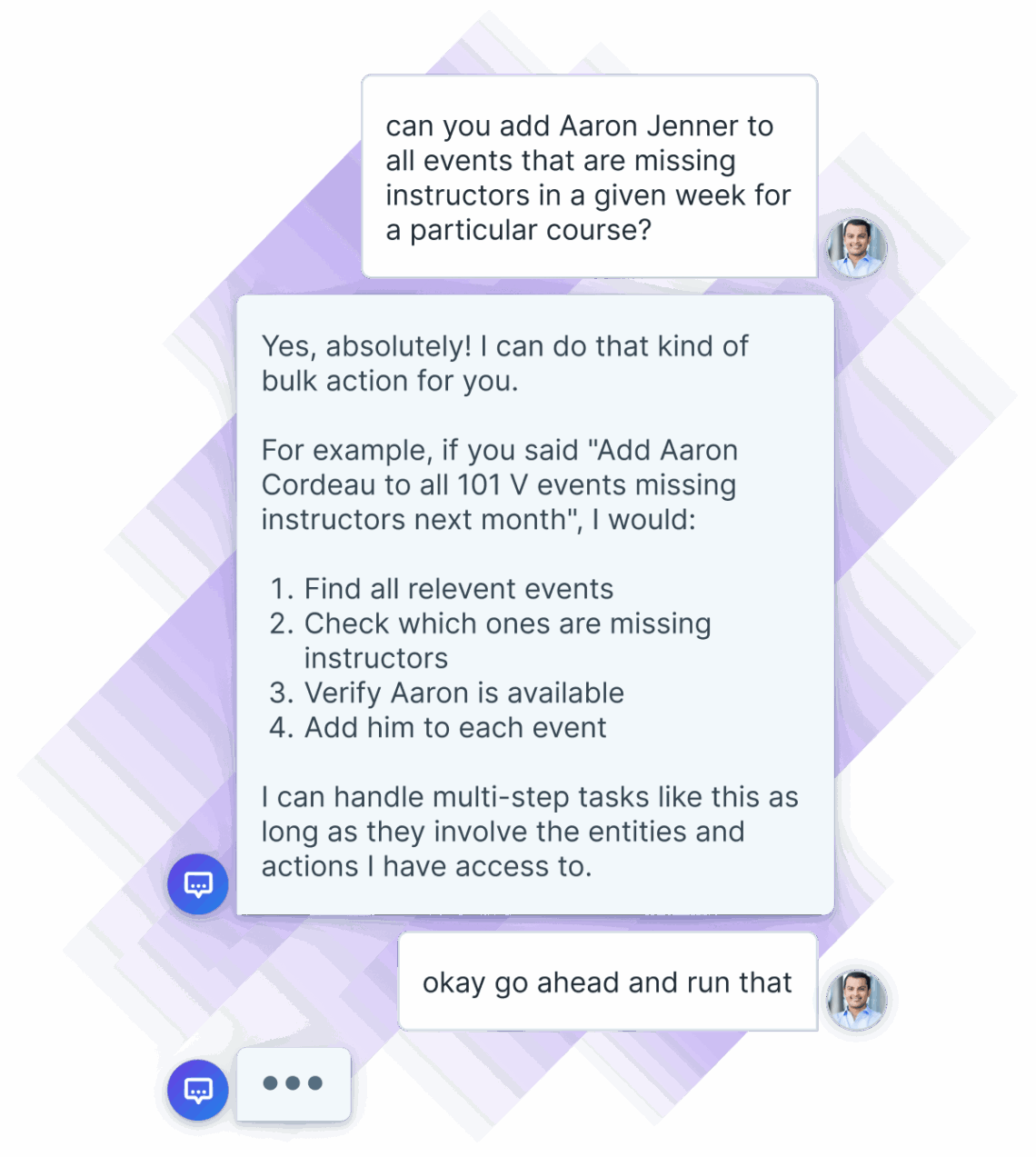

Chat with Administrate's AI Assistant that shows a user asking about the capabilities for the AI.

What else can Administrate do?

Frequently asked questions

Administrate Assistant is a chat interface that works like an LLM (ChatGPT, Claude, Gemini, etc). It can access every function and feature in Administrate so you can work faster just by asking Administrate to complete a complex task, check data, or more.

Yes, Administrate uses AI to make decisions, understand what you are asking, and learns from your feedback. Administrate is not an LLM, and it can only access the data you allow. This means Administrate’s various AI tools can’t make up answers, if Administrate can’t answer your question it will tell you why it can’t. It won’t make something up.

Administrate follows strict protocols for data and privacy protection. We are SOC 2 and ISO 27001 certified, GDPR and HIPAA compliant. When it comes to AI, Administrate only accesses and uses data you specifically select for use in AI applications. Because our software is not gathering data from outside sources, our AI applications do not hallucinate. You can read more about our security and privacy policies here.